About DateMap – SEO HTML Sitemap
A lightweight, crawlable HTML sitemap by Bloggerpi Digital that maps published WordPress content by year, month and day. See live example of this html sitemap plugin here.
- Contributors: Bloggerpi Digital
- Tags: sitemap, html sitemap, seo, internal links, orphan pages, archive
- Requires at least: 6.0
- Tested up to: 7.1
- Requires PHP: 7.4
- Stable tag: 1.1.1
- License: GPLv2 or later
- License URI: https://www.gnu.org/licenses/gpl-2.0.html
Description
DateMap creates a New York Times-inspired publication-date sitemap for WordPress:
- Site Map → Year → Month → Day → Content
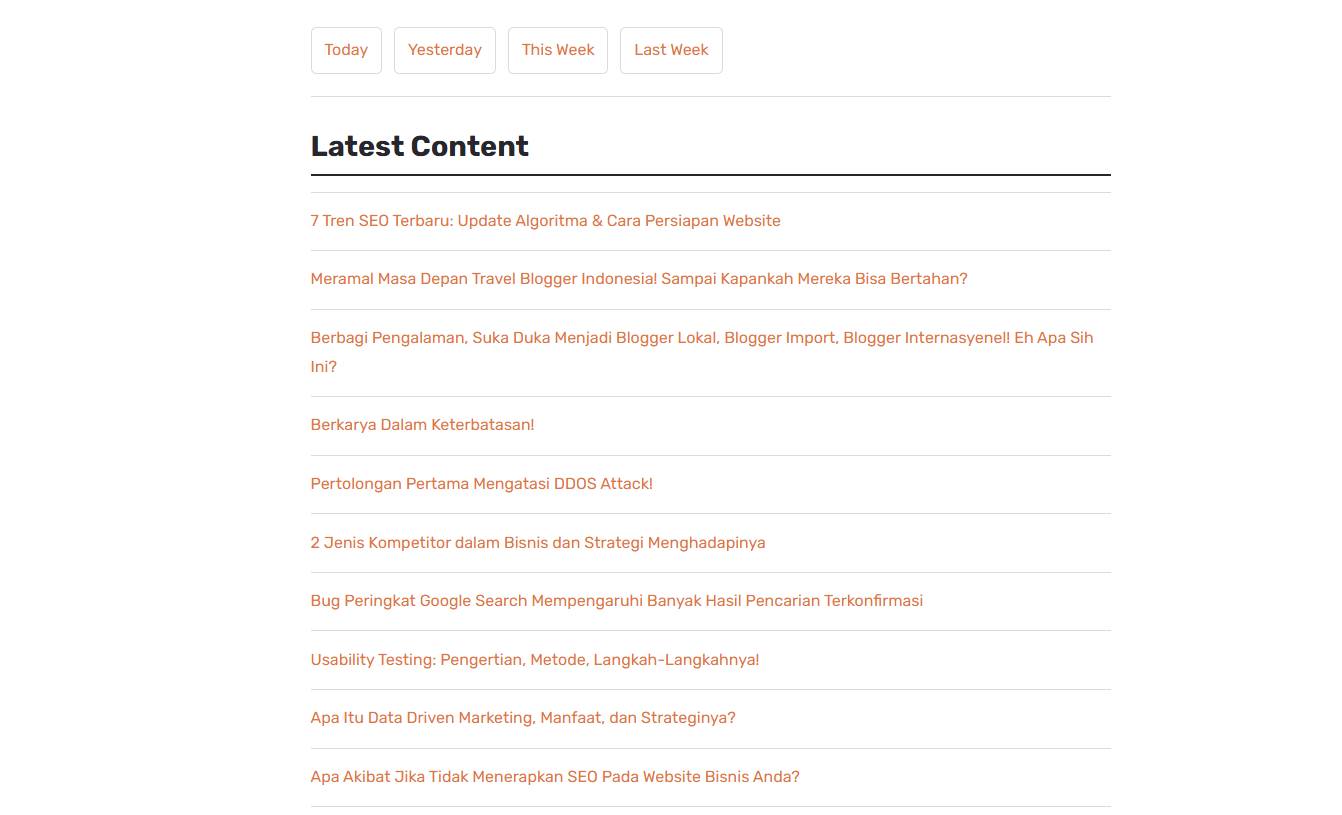
- Today, Yesterday, This Week and Last Week shortcuts
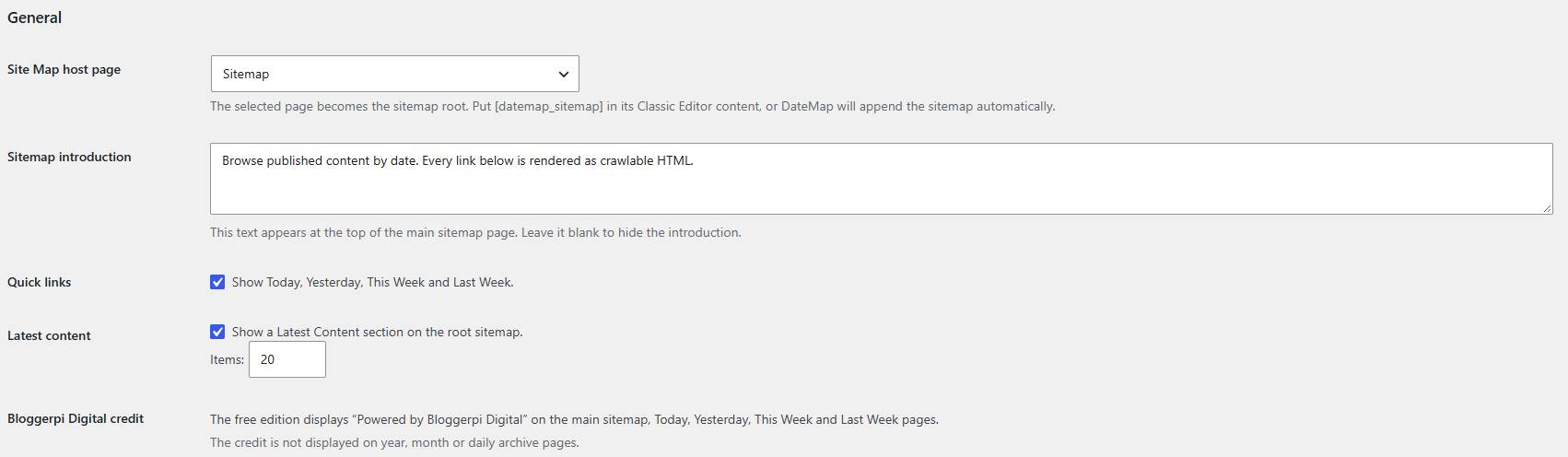
- Configurable introduction text on the main sitemap
- Optional latest-content section
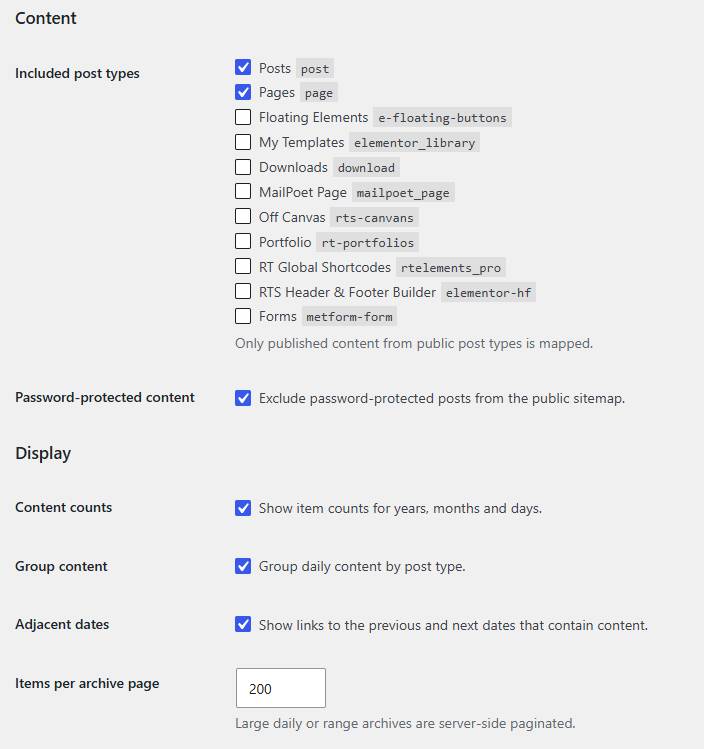
- Posts, Pages and public custom post types
- Server-rendered, crawlable HTML links
- Server-side pagination
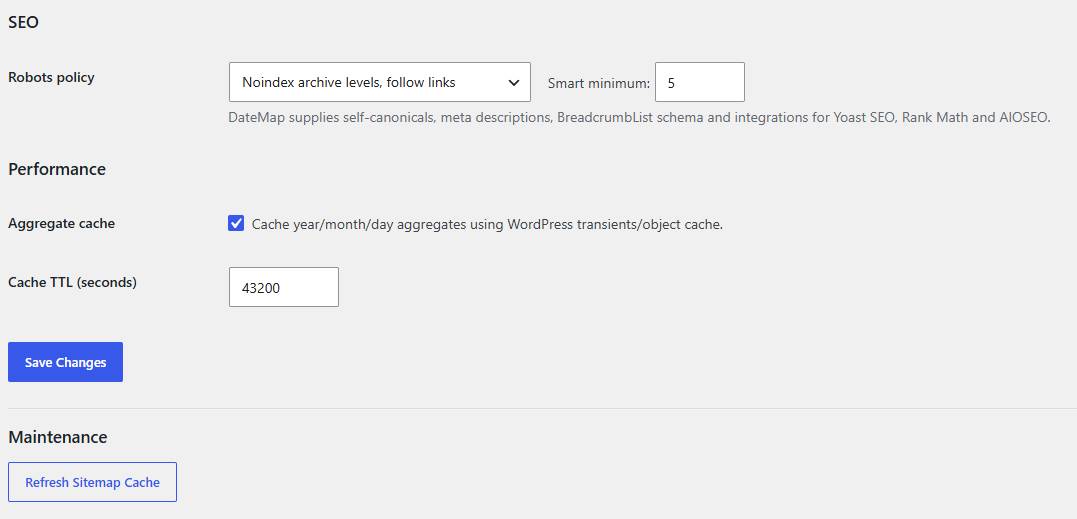
- WordPress transient/object-cache support
- Self-canonical URLs and BreadcrumbList schema
- Yoast SEO, Rank Math and AIOSEO metadata filters
- No frontend JavaScript or external API requests
- Classic Editor compatible through
[datemap_sitemap]
DateMap is developed by Bloggerpi Digital. Plugin site: https://bloggerpi.com/downloads/datemap-seo-html-sitemap/
The Free edition displays “Powered by Bloggerpi Digital” on the main sitemap and the Today, Yesterday, This Week and Last Week pages. The Bloggerpi Digital anchor links to https://bloggerpi.com. The credit is not displayed on year, month or daily archive pages.
The Paid edition has the same sitemap functionality with the credit disabled by default and includes a setting to turn the credit on or off.
DateMap complements XML sitemaps; it does not replace wp-sitemap.xml or SEO-plugin XML sitemaps.
Installation
1. Upload the Free or Paid plugin ZIP in Plugins → Add New → Upload Plugin.
2. Activate DateMap.
3. Go to Settings → DateMap.
4. Click “Create Site Map Page” or select an existing WordPress Page.
5. If using an existing page, place [datemap_sitemap] in Classic Editor where you want the sitemap to appear. If absent, DateMap appends itself to the selected host page.
6. Save settings.
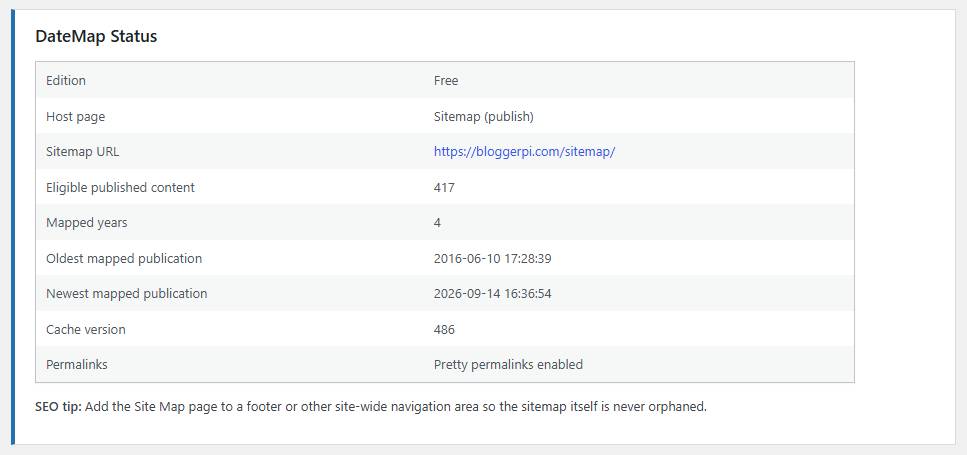
7. Add the sitemap page to your footer or another crawlable site-wide navigation area.
Frequently Asked Questions
Does this replace my XML sitemap?
No. It is an HTML internal-link and browsing layer that complements XML sitemap discovery.
Does it work with Classic Editor?
Yes. Use [datemap_sitemap] in the selected host page.
Can I change the introductory text?
Yes. Go to Settings → DateMap and edit the Sitemap introduction field. Leaving it blank hides the introduction.
Where does the Free edition credit appear?
Only on the main sitemap, Today, Yesterday, This Week and Last Week pages. It never appears on year, month or daily archive pages.
Can the Bloggerpi Digital credit be disabled?
The Free edition keeps the credit enabled. The Paid edition disables it by default and provides a setting to turn it on or off.
Does it create a custom database table?
No. Version 1 uses WordPress post data and small aggregate transient caches.
Does it require JavaScript?
No frontend JavaScript is required.
What happens to empty or invalid dates?
Invalid and empty permanent year/month/day routes return a real 404. Dynamic shortcut ranges such as Today can validly show no content.
Setting Page Screenshot