

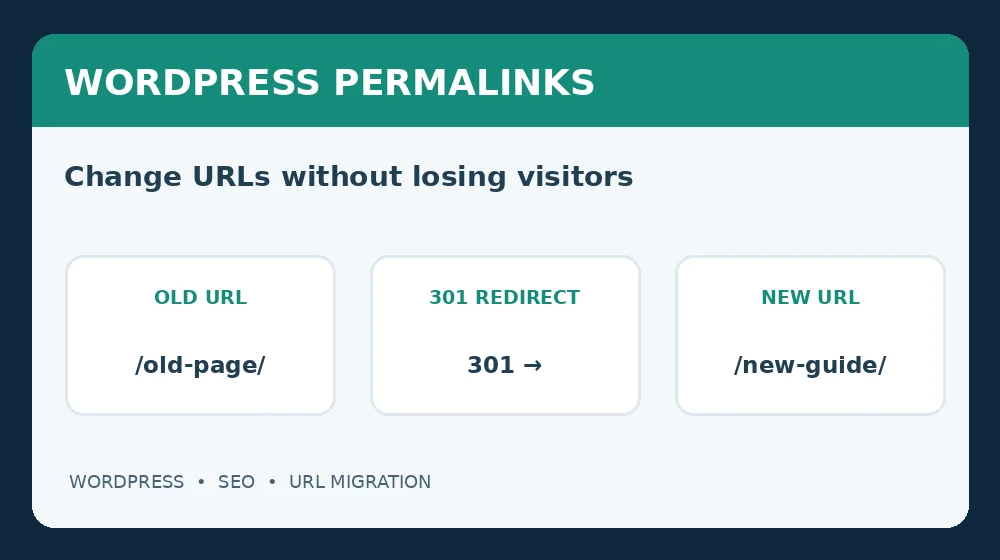
WordPress permalinks define the addresses people and search engines use to reach individual posts, pages, and other resources. Changing a permalink can be a simple editorial adjustment on a new site, or a high-risk URL migration on an established publication. This guide explains both scenarios, with practical safeguards for redirects, navigation, canonical tags, XML sitemaps, and multilingual content. The objective is not to chase an imagined ranking boost from shorter URLs. It is to create an understandable structure and preserve access to existing material.
What are WordPress permalinks, and why do they matter?
A permalink is a durable address that identifies an individual piece of content. A path such as /wordpress-seo-guide/ describes the destination more clearly than an opaque query-based address. Google’s documentation recommends understandable URL structures, but it does not say that using one particular WordPress setting automatically improves rankings. A short slug cannot compensate for poor content, confusing navigation, or an inaccessible page.
WordPress distinguishes between the global permalink structure and the individual slug of a post. The global setting affects how many post addresses are constructed. Editing a single post’s slug normally changes only that post. The difference determines whether you need a small redirect or an extensive migration project. Before touching settings, identify which of these problems you actually need to solve.
Choose a permalink structure that fits your publication
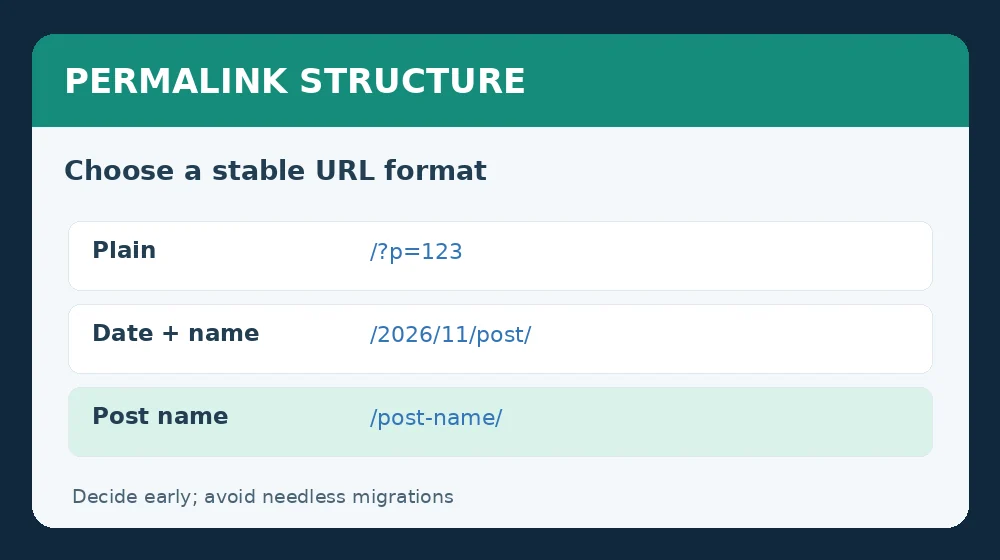
Open Settings → Permalinks to see options such as Plain, Day and name, Month and name, Numeric, Post name, and Custom Structure. For a new editorial website with mostly evergreen tutorials, /%postname%/ is often easy to understand and manage. A news publication may have valid editorial reasons to retain dates. E-commerce stores and custom post type websites may have additional routing requirements. The correct structure is the one that meets your content and technical needs while remaining stable over time.
Custom patterns can include tags such as %category% and %postname%. A pattern containing categories may communicate a hierarchy, but category changes can then become URL changes. This increases editorial maintenance and redirect planning. Avoid creating routes that collide with existing pages, taxonomy archives, or plugin-defined endpoints. If you are still learning the WordPress content model, begin with our WordPress roadmap for beginners before changing site-wide routing.
How to set WordPress permalinks on a new website
- Sign into WordPress with an account permitted to change site settings.
- Open Settings → Permalinks and record the current structure.
- Select a suitable structure; for example, Post name for an evergreen tutorial blog.
- Save Changes, then visit several posts, pages, archives, and the XML sitemap.
- Verify that menu items, breadcrumbs, and internal links lead directly to the intended pages.
Saving a setting is not a substitute for testing the public site. Pretty permalinks depend on functioning rewrite rules. Apache and Nginx deployments may require different configuration. If pages show 404 errors after the change, inspect rewrite rules and server routing before randomly changing individual slugs. On a newly launched site, testing several representative content types can reveal a conflict before it affects a large library.
Change the slug of one article without changing every URL
Open the post editor, locate its Slug or Permalink setting, and enter a concise, descriptive path segment. For example, a long or ambiguous slug could become wordpress-permalink-guide if that accurately describes the article. Use recognizable words, hyphens between terms, and consistent capitalization conventions. Avoid keyword stuffing, repeated filler words, and dates that will quickly become irrelevant to an evergreen resource.
Before saving a slug change on a published post, record its existing address. Check whether the new slug is already assigned elsewhere. After saving, make sure the old URL redirects permanently to the correct new URL. WordPress has mechanisms for certain old-slug redirects, but they do not guarantee every custom migration is covered. Verify the actual HTTP response instead of assuming the redirect exists merely because the editor accepted the new slug.
Audit an established site before changing its URL structure
On a production website, treat a site-wide permalink change as a controlled migration. Inventory the existing URLs using your XML sitemaps, analytics, Search Console reports, and any available crawl. Pay particular attention to pages with organic traffic, meaningful backlinks, service inquiries, and important internal links. Include category archives, custom post types, and translated articles rather than restricting the list to ordinary posts.
Prepare a mapping sheet with old URL, new URL, redirect status, canonical target, verification status, and notes. Each old address should normally point to a genuinely equivalent live destination. Sending every old article to the homepage creates a poor experience and may not help search engines understand the move. If content has been intentionally removed, evaluate whether it has a replacement that truly serves the same need; do not invent an equivalence simply to avoid a 404.
Maintain a reliable backup and, when available, rehearse the migration on staging. Avoid simultaneously replacing your theme, updating major plugins, and restructuring URLs. Multiple changes make it harder to diagnose unexpected behavior. For broader maintenance practices, see our guide to changing a WordPress theme safely.
Redirect old permalink URLs to their final destinations
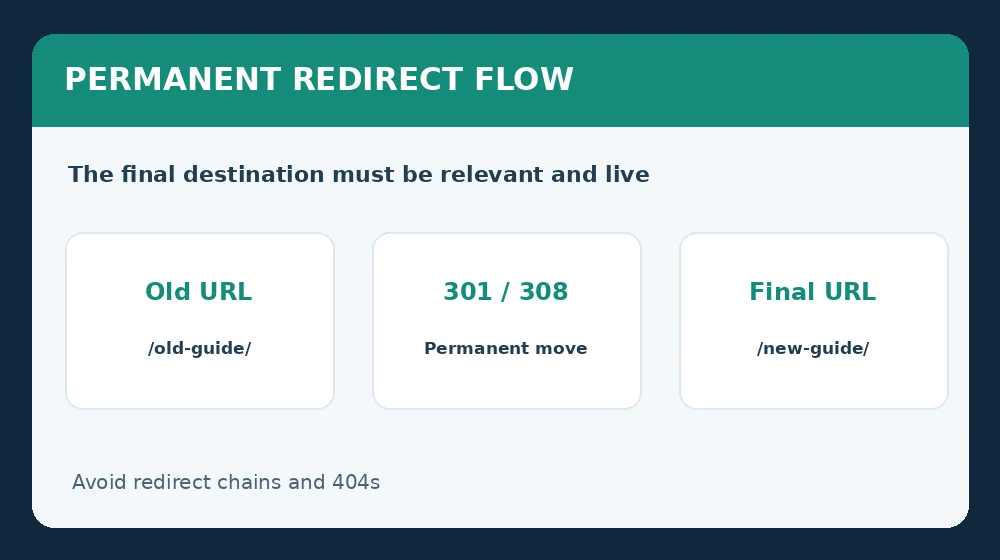
Google recommends permanent server-side redirects when a URL has moved permanently. A 301 or 308 communicates a permanent move and allows visitors to continue reaching the resource. For example, /old-article/ should redirect directly to /new-guide/, which should serve the intended content successfully. Verify that the final URL does not redirect again through several intermediate locations.
Be especially careful with broad regular-expression rules. A pattern designed for dated blog posts could accidentally match pages, translated URLs, or custom post types. Test representative old URLs and edge cases before deploying a global rule. Document who owns the redirect configuration, whether it lives in a plugin, web server, CDN, or application layer, and how to roll it back if necessary. Review WordPress plugin choices before adding extra tooling, because an additional plugin is not always needed for a small number of redirects.
Update internal links instead of relying on redirects forever
A 301 redirect protects older bookmarks and external references, but your own site should link directly to the destination URL. Update contextual links inside articles, header and footer navigation, calls to action, breadcrumbs, and any manually curated related-content blocks. When a publication is large, an internal linking audit workflow helps identify outdated destinations and unnecessary redirect hops.
Do not run a broad search-and-replace without knowing what strings it will change. Some URLs appear in code examples, JSON-LD, custom fields, translation maps, or external references that should not be rewritten blindly. Review proposed changes and maintain a rollback record. After updates, sample multiple template types and ensure the links point to published pages of the correct language.
Check canonical URLs, robots directives, and XML sitemaps
Once new URLs are live, verify each page’s canonical tag references its final address. Confirm that ordinary public content remains indexable as intended and that the new sitemap includes the correct URLs. Content management plugins can save SEO settings without immediately updating every rendered output or cached copy. Review both the saved metadata and the HTML or generated SEO head whenever possible.
Submit or refresh your sitemap in Google Search Console when appropriate. Use URL Inspection to evaluate important pages and check indexing over time, rather than expecting immediate results from a structural change. Our WordPress SEO optimization guide describes related checks for technical metadata, internal links, and content maintenance. Do not submit repetitive indexing requests as a substitute for fixing invalid routes.
Changing permalinks on a multilingual WordPress site
A multilingual site must keep both routing and translation relationships intact. An English article under /en/ should ordinarily use an English slug, while the Indonesian counterpart should have a natural Indonesian address. A translation switcher should open the corresponding article, not simply send readers to the other language’s homepage. Changing one permalink should not silently alter the other translation.
Before and after a migration, test the language switcher in both directions, as well as language-specific menus, breadcrumbs, sitemaps, and internal article links. Polylang can manage relationships between translations, but those relationships should be verified rather than assumed. Our guide to managing multilingual WordPress sites provides useful maintenance context.
Troubleshoot WordPress 404 errors after a permalink change
A 404 after saving a structure may indicate outdated rewrite rules, a slug collision, server routing configuration, a problematic redirect, or a cached response. Begin by confirming that the content is still published. Then compare its intended slug, the active global permalink setting, and the public URL. On some installations, visiting the Permalinks settings screen and saving the intended structure refreshes rewrite rules. Do not indiscriminately flush rewrite rules on every frontend request.
If only certain URLs fail, compare working and failing patterns. Look for conflicting category bases, duplicated page names, plugin endpoints, or custom post types. Check whether the CDN serves an older response and whether redirects are installed in multiple layers. For Nginx or more complex hosting configurations, ask the server administrator to inspect routing before changing content records. Make one controlled change at a time and record the results.
Post-migration SEO quality assurance checklist
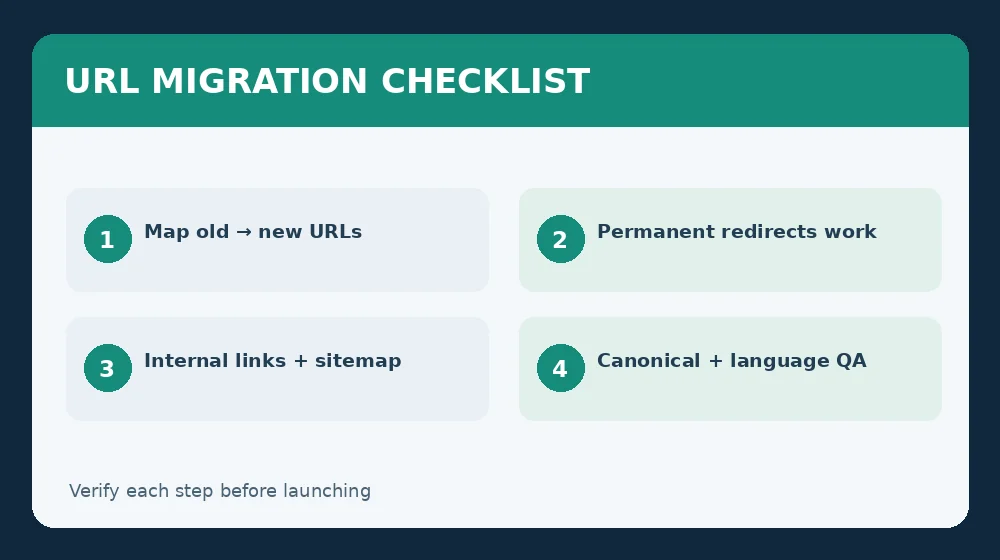
- Every old URL redirects permanently to its relevant final replacement.
- The new destination returns successful public content and is not unintentionally blocked.
- Canonical tags reference the final address.
- Internal links, menus, breadcrumbs, and calls to action use final URLs.
- XML sitemaps and any relevant language mappings show the correct destinations.
- Important traffic and backlink pages are monitored after the migration.
- Redirect rules are documented and have a rollback approach.
- Mobile and desktop visitors can navigate without broken links or unnecessary redirects.
Search performance can fluctuate during changes, and no single recovery time applies to every website. Focus on measurable checks rather than promising a number of days until rankings normalize. If you need to explain a migration to stakeholders, refer to the structure of project case studies: define the initial problem, migration scope, implementation, and evidence-based outcome.
Common mistakes when optimizing WordPress URL slugs
One mistake is changing an established, functioning URL only to make it a few characters shorter. Another is assuming WordPress automatically preserves every historical URL. Other issues include publishing overly broad redirect rules, linking to temporary staging addresses, embedding frequently changed category names in paths, and forgetting translated pages. A keyword-rich slug does not outweigh the risk of broken navigation or lost context.
Establish a simple editorial policy: make the slug descriptive before publication, avoid unnecessary renaming afterward, and review redirects whenever a genuine change is required. For large libraries, assign an owner to the URL mapping, keep verification records, and evaluate changes with the same care as other technical deployments.
Example migration plan for a growing business website
Imagine a tutorial website with 120 older articles using a dated URL pattern such as /2020/06/article-name/. The team now prefers /article-name/. Before changing a global setting, export the existing URLs from the sitemap and classify them by content type, date structure, and category. Look for duplicate slugs, special service-page routes, and plugin endpoints that might have different rewrite rules. Assign an intended new address to every important article and flag pages that are no longer useful or need editorial consolidation.
Run a small rehearsal against representative URLs before deploying rules to the full site. Confirm that breadcrumbs, internal links, and navigation point to final destinations. If a language switcher is present, check that a visitor can move between equivalent articles rather than unrelated homepages. When problems arise, revise the redirect map before the main launch. For business sites, prioritize contact, service, product, and lead-generation pages; a homepage-only check misses many important conversions.
After deployment, monitor 404 responses and redirects over a period appropriate to the website’s traffic and size. Audit visible components such as WordPress widget areas and navigation menus because they may contain hard-coded older URLs. Record the affected URL, issue type, fix, and verification date. A maintained issue log provides a better audit trail than a broad assertion that migration has been completed successfully.
Separate URL problems from editorial and indexing problems
If search traffic declines after changing a URL structure, avoid assuming that every change is caused by redirects. Check whether the main content is still present, the canonical and robots directives are appropriate, headings remain meaningful, and internal links point to accessible pages. Compare old and new URL data over suitable time ranges and account for changes in demand rather than treating raw numbers as proof of one cause.
When plugin conflicts or server configuration are suspected, record the exact change times and the affected templates. URL failures can resemble caching faults, access restrictions, or indexing problems. Basic knowledge of installing WordPress plugins and safe WordPress administration helps teams test changes without introducing more variables. Evaluate one hypothesis at a time and keep a reversible implementation plan.
Frequently asked questions
Is the Post name structure always best for SEO?
No. It is a common, understandable choice, but stable URLs, content relevance, technical compatibility, and site architecture matter more than selecting one universal format.
Does WordPress automatically redirect old URLs?
Sometimes it can resolve particular old slugs, but you must test migration cases rather than assume all old structures will work.
Should I shorten every existing URL?
No. Changing functional URLs without a substantive reason adds migration risk and work.
What is the difference between a slug and a permalink?
The slug is one identifying path segment. The permalink is the complete URL produced from the site’s routing structure and that slug.
How long will rankings take to stabilize?
There is no guaranteed timetable. Crawling, index updates, redirect quality, content scope, and external links vary between sites.
Official references
- WordPress: Settings Permalinks
- WordPress: Customize Permalinks
- Google: URL Structure Best Practices
- Google: Redirects and Google Search
- Google: Site Moves and URL Changes
Need a careful migration plan? Start with an inventory of existing URLs, business-critical pages, translation relationships, and the desired final structure. A focused technical audit is safer than an untested site-wide setting change.
