

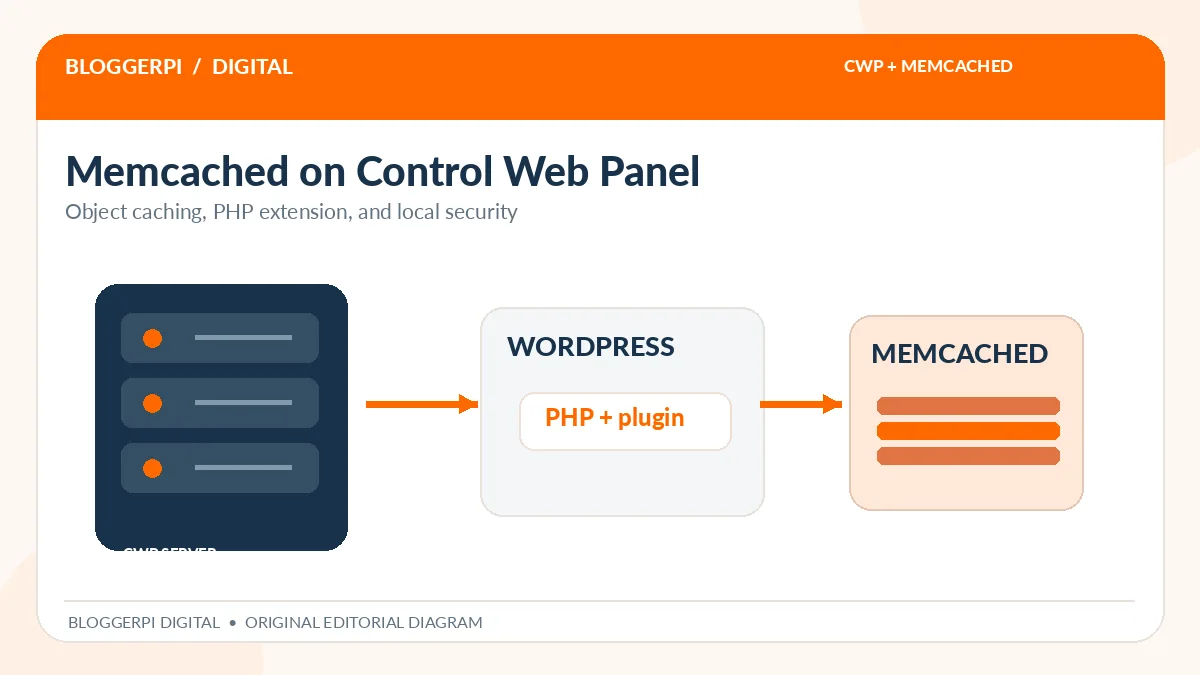
Installing Memcached on Control Web Panel (CWP) for WordPress requires more than downloading a PHP extension. The caching service, operating system, PHP runtime, WordPress object-cache integration, and network security must all be configured consistently. Older tutorials sometimes show PHP 7.3 paths and manually compiled libraries that are no longer appropriate for many 2026 hosting environments. CWP supports multiple PHP management modes, including selectors and PHP-FPM configurations, with availability determined by panel and operating-system versions. This guide explains a safer version-aware setup, how persistent object caching works, what to verify before deployment, and how to measure real improvements instead of assuming that an enabled daemon guarantees a faster website.
What is Memcached, and when can it help WordPress?
Memcached is an in-memory data storage service designed to make repeatedly accessed information faster to retrieve. In a WordPress installation, a persistent object-cache integration can retain previously computed or fetched objects across separate page requests. This may reduce repeated database work for sites with complex queries, active navigation, and dynamic content. It does not replace a full-page HTML cache, CDN, or PHP OPcache, because those optimize different parts of the request lifecycle.
Memcached is not a permanent database and should not be treated as the sole location for business-critical records. Items can disappear when the service restarts, memory is reclaimed, or entries are evicted. WordPress and its plugins must still function when the desired cache item is missing. Review our beginner guide to speeding up a WordPress blog for broader performance context, but prioritize the measurable checks in this guide over generic promises of improvement.
Understand the difference between page cache, object cache, and OPcache
A page cache can store an HTML response so that many visitors receive it without executing the entire WordPress application each time. An object cache stores pieces of application data, such as objects generated from previous database requests. PHP OPcache stores compiled PHP bytecode to avoid repeated compilation. These tools can complement one another, but enabling everything without understanding the existing architecture can create conflicts and confusing troubleshooting sessions.
For a small static blog served mainly through full-page caching, Memcached may contribute little. For a large dynamic publication or application, some repeated database requests may benefit more. Evaluate your specific traffic pattern and infrastructure rather than installing an object cache solely to satisfy a general performance checklist. Also consider the broader WordPress SEO optimization workflow when evaluating whether the actual user experience has improved.
How persistent object caching works
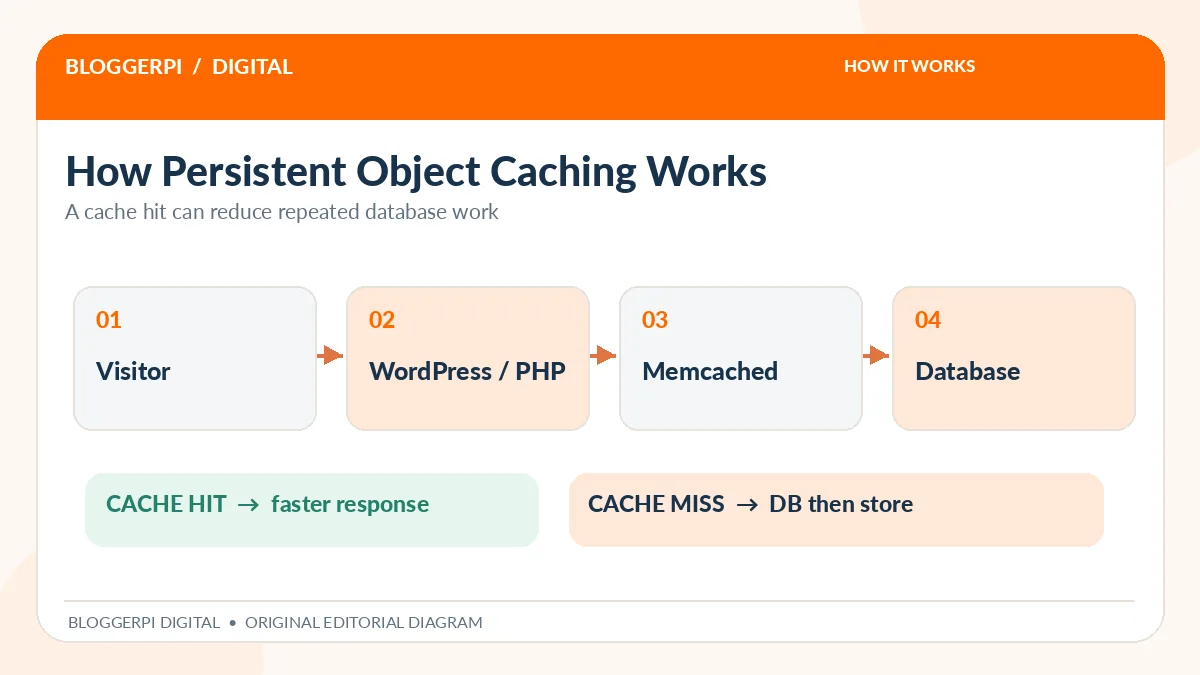
When WordPress requests cacheable information, a persistent cache implementation can first look for a valid object in Memcached. If the object exists, WordPress can reuse it. On a cache miss, the application requests or computes the original information and may store a copy for future use. The outcome depends on cache lifetime, memory limits, eviction, request patterns, plugins, and object identifiers. Some expensive queries may not be cacheable or may change too frequently to benefit.
A healthy architecture also needs to keep results correct. An object related to one user or website should not accidentally be reused in another context. Multisite and multilingual deployments may require careful cache-group and prefix handling. If the site’s English and Indonesian content are linked, confirm that a cache is not producing the wrong language in navigation or page components. Review our multilingual WordPress maintenance guide for related publication and translation checks.
Pre-installation checks: CWP, OS, PHP runtime, and backup
Record the operating-system distribution, CWP version, web server, and exact PHP runtime used by the domain. CWP may provide PHP Selector, PHP-FPM Selector, PHP Switcher, or other handler choices depending on your installation. An extension available for the command-line PHP binary may not be loaded by the PHP-FPM pool serving your site. Do not assume that a generic terminal command reflects WordPress’s active execution environment.
Confirm that you have authorized administrator access and a reliable rollback path. Back up the WordPress database, site files, and relevant configuration, and document any currently active full-page cache or persistent object-cache drop-in. Schedule changes during a low-risk period or use staging when possible. The WordPress settings checklist can help distinguish ordinary site settings from server-level tasks that should be handled by a qualified administrator.
Why an old PHP 7.3 compilation tutorial should not be copied
A legacy installation recipe may download a specific libmemcached archive, build the library manually, execute phpize from a PHP 7.3 directory, and create a custom INI file. Those steps are specific to the compiler, PHP ABI, libraries, and panel layout of the original machine. They are not universal instructions for a current CWP server. Blindly using broad file deletion commands can also remove unrelated files. Prefer maintained packages and the CWP extension facility for your actual PHP branch rather than copying a historical path.
Step 1: install or enable the Memcached server service
First determine whether Memcached is already installed and running. On supported Linux distributions, the server package may be supplied by the official OS repositories. On systems using DNF, an authorized administrator might inspect availability with sudo dnf info memcached and, only after verifying the package and repository, install it using sudo dnf install memcached. Other operating systems use different package managers and service layouts. This is an example for compatible systems, not a command that should be pasted without checking the environment.
After installation, inspect the service configuration, running user, memory allocation, startup mechanism, and listening address. Where systemd is in use, systemctl status memcached and systemctl cat memcached can help reveal the service state and startup parameters. Configure the cache before allowing applications to connect. A local WordPress installation often uses 127.0.0.1:11211, but an architecture may instead require a secured private endpoint or Unix socket. Do not enable public listening merely to make a connection test pass.
Step 2: keep Memcached inaccessible to untrusted networks
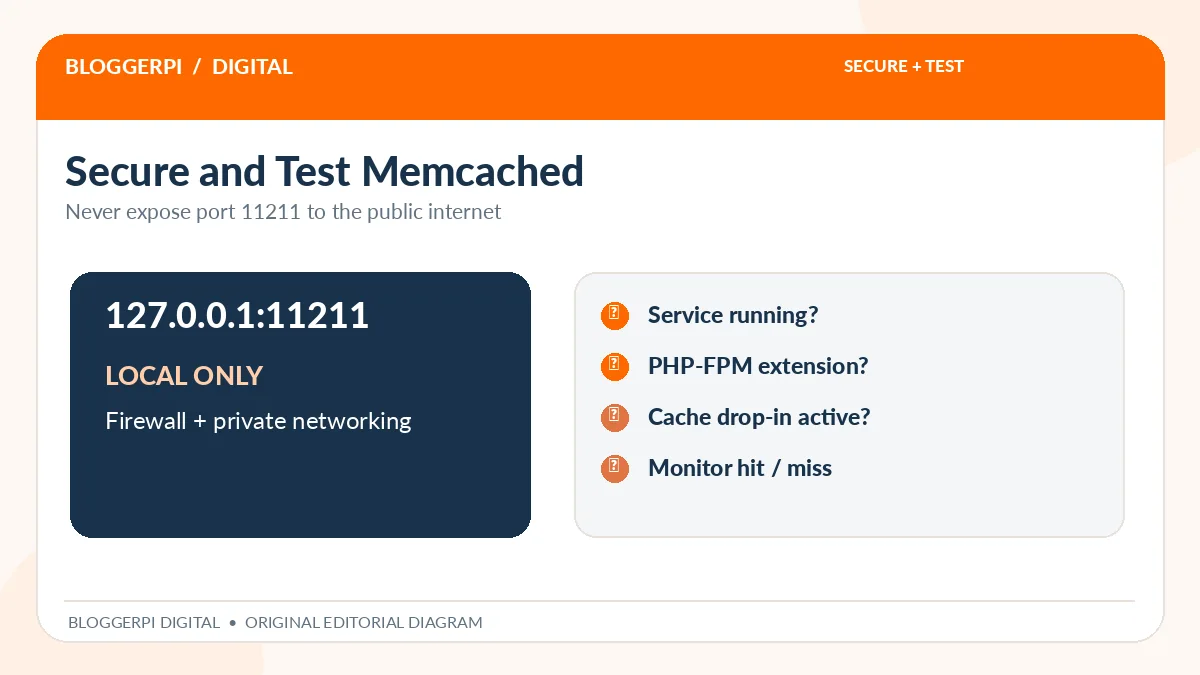
The Memcached documentation warns that the service is not intended to defend itself from random internet clients. If PHP and Memcached run on the same host, binding to loopback is usually a strong starting point. Restrict external access with the firewall and verify listening endpoints using operating-system tools such as ss -lntp. An unexpected 0.0.0.0:11211 listener needs investigation, particularly if the firewall or cloud security group could expose it publicly.
Older Memcached deployments were involved in UDP amplification attacks. Modern releases generally have UDP disabled by default, but you should verify the installed version and actual configuration. Multi-server deployments must use restricted networking and any appropriate authentication or encryption controls supported by the chosen architecture. Do not put credentials or sensitive records into a shared, insecure cache. Access control is part of the broader WordPress administration and AI security plan, not an optional finishing touch.
Step 3: enable the PHP memcached extension for the website
The Memcached service and the PHP memcached extension are different components. The service stores cache entries; the PHP extension uses libmemcached to provide a client API. PHP also has a distinct extension named memcache, and the two should not be treated as interchangeable. A WordPress object-cache plugin built around the Memcached class typically requires the PECL memcached extension, not a similarly named extension installed by chance.
Use the appropriate CWP PHP-management interface to identify the PHP version actually serving the domain. Check whether the optional memcached extension is available for that branch. CWP’s change history documents work on optional PHP extensions across supported versions, but availability can differ by OS generation and CWP release. When an official selector or managed package exists, it is generally preferable to compiling an arbitrary source version without a long-term update path. If no compatible package is provided, use PECL’s current requirements and ask the server administrator to select a supported build method.
After activation, verify the extension inside the web-facing PHP runtime. A command such as php --ri memcached can provide information from PHP CLI, but PHP-FPM may use a different installation. Use a secure administrator-only diagnostic or your hosting panel to confirm the module for the website. Avoid leaving a publicly accessible phpinfo() page behind, as it can reveal server details. Where PHP-FPM needs restarting, use the controlled procedure supported by CWP and inspect logs for errors afterward.
Step 4: enable one compatible WordPress object-cache integration
WordPress provides an Object Cache API, but persistent storage across requests generally requires a compatible implementation. Plugins often add a drop-in file at wp-content/object-cache.php. One example listed on WordPress.org is Object Cache 4 everyone, which can detect a running local Memcached server and install an object-cache drop-in. It is an option to evaluate, not a universally required solution. Review its current release notes, support status, PHP requirements, and behavior before deploying it to a production site.
Before installing anything, check whether a Redis object cache, host-provided cache, or another object-cache.php implementation is already active. Two competing persistent-object-cache implementations should not overwrite one another. Page caching and object caching solve different tasks and may need separate configuration, but overlapping features still require an audit. Follow our WordPress plugin installation guide and plugin selection overview to choose maintained tools that meet a real requirement.
Once connected, verify that the plugin reports the expected Memcached endpoint and that ordinary WordPress operations still work. Edit a test article, confirm that menus and category information update, and ensure that a logged-in visitor sees correct account-specific information. If the website has a storefront, test cart and checkout flows where safe. Object caching should reduce repeated work without serving outdated or another user’s information.
A six-point pre-activation checklist
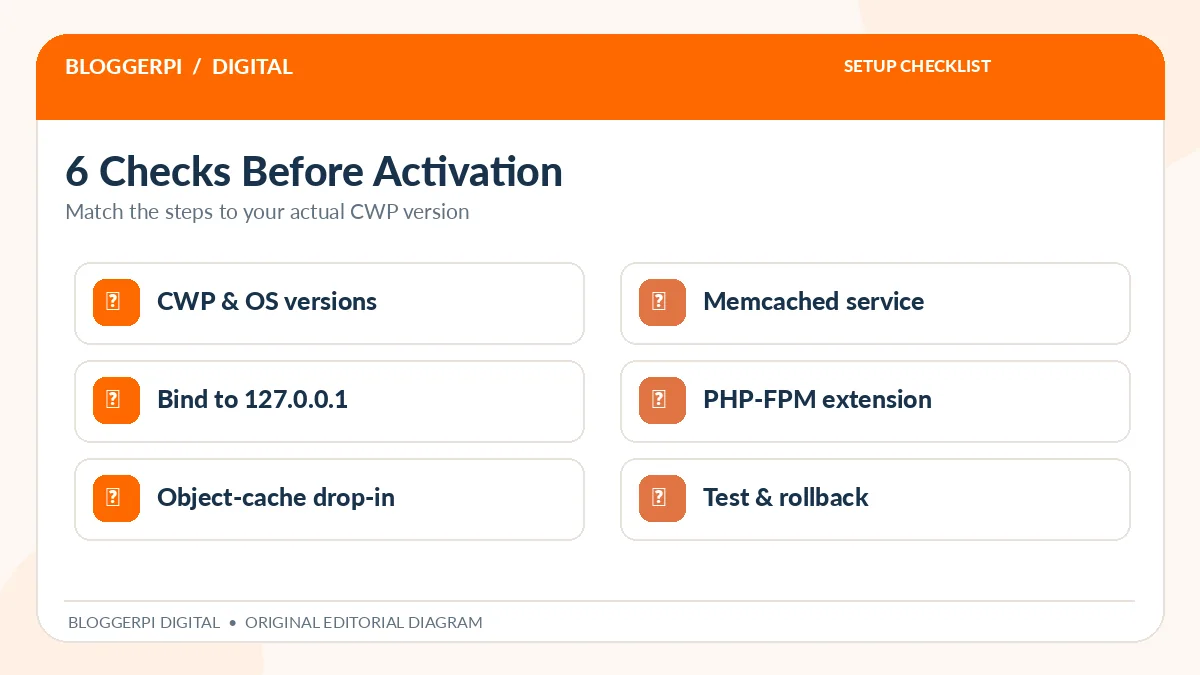
First, record the exact OS, CWP, PHP-FPM or handler, and web-server versions. Second, confirm the daemon is running and has an appropriate memory allocation. Third, verify its listener is restricted to loopback or an approved private network. Fourth, confirm the PHP memcached extension is present in the website’s own runtime. Fifth, check that only one intended WordPress object-cache drop-in exists and connects successfully. Sixth, create a comparison baseline and rollback procedure before making the feature available to production traffic.
Apply the checklist to representative URLs and roles: homepage, an ordinary article, a service landing page, logged-in admin, and an appropriate dynamic feature. If the website includes WooCommerce, pay extra attention to individual sessions, carts, and orders. Do not apply generic caching rules to private information. If a visual redesign is happening at the same time, use the safe WordPress theme change guide to separate template problems from cache behavior.
Measure real performance instead of assuming a speed increase
Record a baseline before activation: server response time, available database-query diagnostics, CPU load, RAM pressure, and relevant errors. Once caching is working, inspect cache hit/miss statistics when the plugin or service exposes them. Compare the same page types over similar periods and under comparable server conditions. A warm cache tested on an idle server is not directly comparable to a cold cache during a traffic spike, and a single synthetic benchmark may be misleading.
Memcached cannot eliminate oversized images, bloated JavaScript, inefficient uncached queries, or slow external APIs. If your primary goal is Core Web Vitals improvement, investigate the actual page-load bottlenecks separately. Google Site Kit with GA4 and Search Console may provide useful website measurement context, but those dashboards do not directly replace Memcached hit-rate and server telemetry. Frame a caching change as an infrastructure optimization whose value must be measured.
Troubleshooting Memcached, CWP, and WordPress
The service is running, but WordPress cannot connect
Confirm the configured server address, port, loopback connectivity, firewall rules, and the actual PHP extension loaded by the website. CLI PHP may not match the PHP-FPM pool. Check the object-cache plugin’s expected client class and settings. Do not keep installing similarly named extensions without understanding whether the current plugin uses memcache or memcached.
The extension loads, but the website produces HTTP 500 errors
Inspect PHP-FPM and web-server logs for version mismatch, memory exhaustion, a conflicting object-cache.php, or another plugin fault. Disable the integration using the documented plugin or hosting method, rather than deleting core files or indiscriminately clearing all caches. Record the error and rollback steps. A backup and reproducible diagnosis are more useful than repeatedly restarting services without knowing what failed.
Cache hits remain low, and performance barely changes
Low reuse can reflect short cache lifetimes, frequent invalidation, limited memory, eviction, or workloads that do not benefit from object caching. A full-page cache may already serve most anonymous traffic without executing WordPress. Increase Memcached memory only when metrics justify it, and avoid starving the database or PHP worker processes to inflate the cache allocation.
Visitors see outdated content after editing a page
Separate object caching from full-page caching, CDN responses, and browser caches. Identify which layer is serving outdated data and invalidate only the relevant entries when possible. Do not flush everything on each page request. If URLs have changed, review WordPress permalink migrations and internal link audit practices; a cache purge does not fix an incorrect destination or missing permanent redirect.
Should you use Memcached or Redis for WordPress?
Both can support persistent object caching through suitable plugins and server configurations. Choose based on available hosting support, PHP compatibility, operational skill, monitoring requirements, and what already works. If Redis is currently stable, deploying Memcached beside it is rarely justified without a clear measured reason and a plan for migration. Having two different cache engines does not automatically improve performance; it may create conflicts or waste memory.
For a low-memory server, consider the combined needs of the operating system, PHP-FPM, database, and all cache layers before assigning a large Memcached allocation. Smaller sites may gain more from page caching, image optimization, and reducing unnecessary plugins. If you are building a comprehensive improvement plan, integrate infrastructure tests with technical and editorial WordPress SEO checks rather than treating the Memcached service as a standalone ranking solution.
Frequently asked questions
Is Memcached the same thing as PHP OPcache?
No. Memcached stores reusable application data, while OPcache caches compiled PHP bytecode. They work at different layers of a WordPress request.
Do I need PHP 7.3 to install Memcached on CWP?
No. A PHP 7.3 path comes from an old environment. Choose a supported PHP version and a compatible extension for the actual CWP, OS, and website configuration.
Is it safe to open Memcached port 11211 to everyone?
No. The official Memcached documentation warns against exposing the service to untrusted public networks. Bind locally or restrict access through a carefully configured private network.
Will starting the daemon automatically speed up WordPress?
Not necessarily. WordPress needs compatible persistent object-cache integration, and benefits depend on its workload. Compare actual measurements before and after.
What if my website already uses Redis?
Audit the current setup before changing it. Avoid deploying a second competing object-cache drop-in unless a controlled migration plan requires it.
Official references
- Control Web Panel — Changelog and PHP extension support
- Control Web Panel — Installation instructions
- Memcached — Server configuration
- Memcached — Security and UDP DDoS advisory
- PHP Manual — Memcached extension
- PECL — PHP memcached extension
- WordPress.org — Object Cache 4 everyone
Conclusion: there is no universal one-line Memcached installation for Control Web Panel. Confirm the actual server and PHP versions, restrict the service to trusted networking, use a compatible client extension and a single WordPress cache integration, then measure whether it helps. A maintainable configuration is worth more than a superficially successful installation built on outdated commands.
