

This practical WordPress SEO plugin comparison evaluates Yoast SEO, Rank Math, AIOSEO, and SEOPress by real operational needs, not ranking promises or plugin scores.
What an SEO plugin does—and what it cannot do
An SEO plugin helps manage search titles, meta descriptions, canonical URLs, XML sitemaps, robots directives, and structured data. Templates can keep metadata consistent across posts, pages, archives, and products. Installing one does not guarantee indexing or rankings. Search engines still evaluate relevance, accessibility, and other signals beyond a plugin’s settings.
Before installing another plugin, identify which components already output SEO markup. A theme, breadcrumb extension, schema plugin, and WooCommerce integration may overlap. Inspect actual page source for several page types rather than assuming the homepage represents the entire site.

Comparing Yoast SEO, Rank Math, AIOSEO, and SEOPress
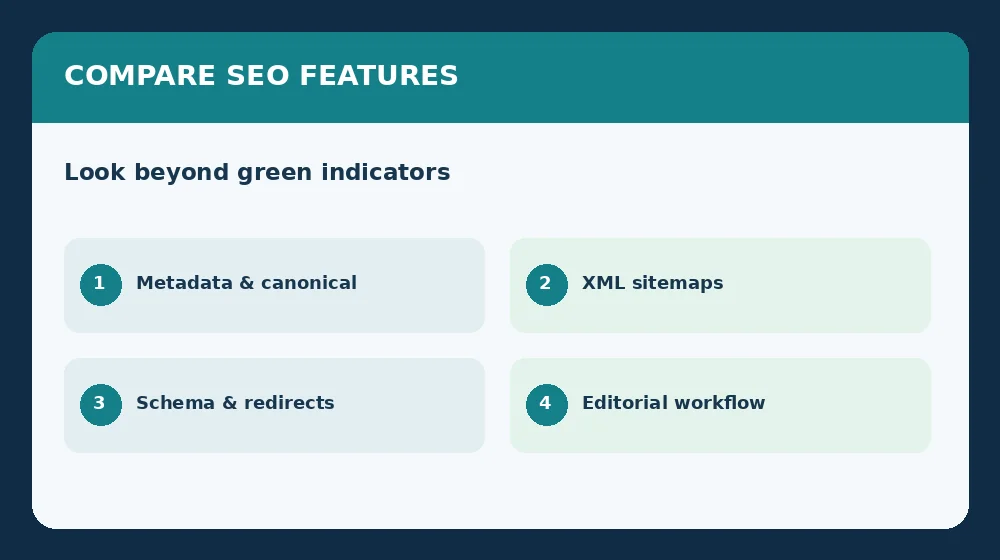
Yoast SEO is a practical choice for editorial teams that want visible readability and SEO checks in the writing interface. Its templates, sitemap features, and canonical controls support consistent workflows. A green indicator is editorial guidance, not proof of quality. Check current plan documentation for redirect and advanced capabilities.
Rank Math provides a modular configuration approach. Review which modules are enabled and whether another component already performs the same task. For custom post types, verify sitemap inclusion, schema behavior, and permissions. Available features and licensing may change over time.
AIOSEO offers metadata and sitemap management alongside options for broader business use cases. Evaluate local business, WooCommerce, and redirect requirements against current licensing. SEOPress is another candidate when the team prefers a different management workflow. Claims about which plugin is fastest require comparable site-level testing.
The best selection is the one that fits your operational needs. A small editorial team may prioritize ease of training; an agency may care more about import tools, repeatable templates, permission controls, and support across multiple sites.
Choose by website type
For a publication, document who owns titles, descriptions, and prepublication checks. For WooCommerce, test variable products, product categories, breadcrumbs, and social previews. For a local business, use appropriate structured data without assuming it guarantees a rich result.
For multilingual sites using Polylang, inspect language assignments, canonical URLs, hreflang, social metadata, and schema language. Indonesian pages should not silently inherit English schema language. On sites with custom post types, confirm which archives and detail pages belong in each sitemap. Test representative URLs before changing sitewide defaults.
Safe initial setup checklist
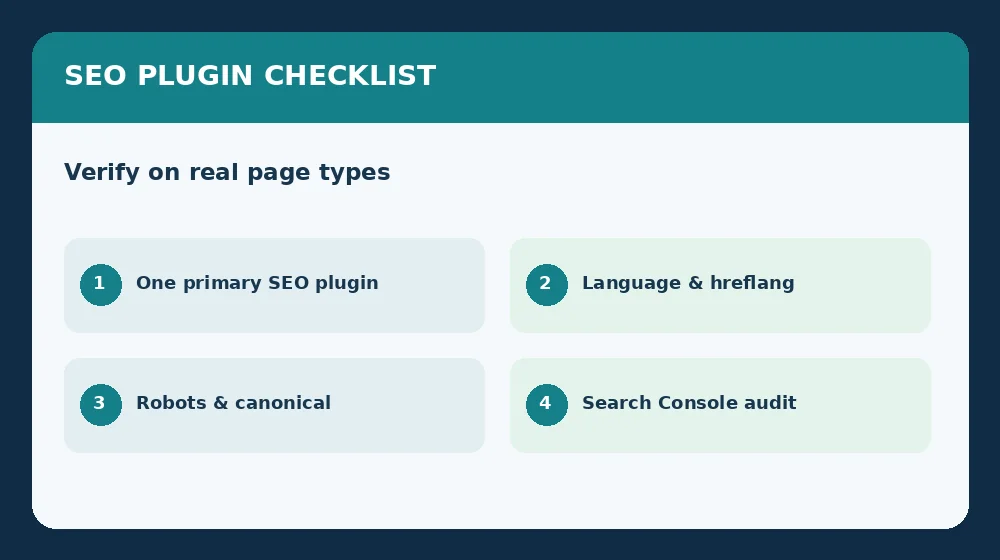
Back up the database and document existing SEO components. Activate one primary SEO plugin, complete its setup wizard, and manually review the resulting configuration. Establish title templates, write specific descriptions for important pages, and confirm that canonical URLs point to their intended final destinations.
Check that XML sitemaps contain the URLs you actually want crawlers to discover. Submit the sitemap to Google Search Console when appropriate and monitor indexing reports. A sitemap helps discovery but does not command indexing. Review tag archives, internal search pages, attachment URLs, and thin archives before deciding whether they should be indexed.
Validate structured data against the content shown to readers. Avoid duplicating visible breadcrumb navigation. Test the writing workflow on mobile and desktop, and ensure plugin settings do not unnecessarily complicate editorial reviews.
How to migrate SEO plugins safely
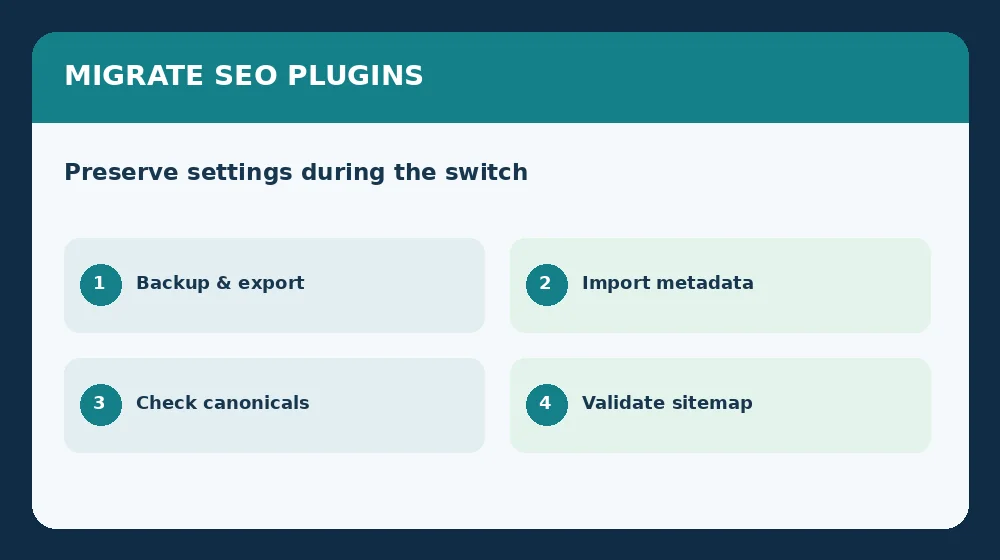
Inventory custom SEO titles, descriptions, canonical overrides, robots settings, redirects, schema, and sitemaps. Export settings when possible and make a restorable backup. On staging, test the supported importer and compare older posts, new posts, category archives, products, and static pages.
Do not leave two primary SEO plugins running together indefinitely. During migration, inspect rendered metadata for duplicates. If the old plugin owns redirects, move those rules before disabling it. After the switch, check public HTML, canonical and robots directives, sitemap content, and Search Console. Avoid combining a plugin migration with an unnecessary permalink change.
Common mistakes to avoid
Chasing green indicators can produce awkward keyword repetition. Applying one generic title to every page makes search snippets less useful. Adding structured data that does not describe visible content is misleading. Paying for premium features without a defined need rarely fixes a weak editorial process.
Do not treat a plugin’s score as a Google score. Use its checks as workflow support, then evaluate real search performance in Search Console. When indexing changes unexpectedly, inspect robots directives, canonicals, HTTP status codes, and content quality before attributing the problem to a specific plugin.
Decision table: choose an SEO plugin based on workflow
The right WordPress SEO plugin depends on your operating requirements, not the number of green lights it shows. Does your website need simple titles, meta descriptions, XML sitemaps, and canonical tags? Do you maintain many custom post types or product categories? Do you manage permanent redirects after URL changes? Are editors working across multiple languages and permissions? Different answers can justify different plugins without proving that one product is the universal winner.
| Decision factor | Yoast SEO | Rank Math | AIOSEO | SEOPress |
|---|---|---|---|---|
| Workflow emphasis | Editorial guidance and readability | Modular tools and technical controls | Setup wizard and business-oriented workflow | Metadata controls and technical flexibility |
| Core SEO needs | Titles, descriptions, sitemaps, canonicals | Titles, descriptions, sitemaps, schema | Titles, descriptions, sitemaps, canonicals | Titles, descriptions, sitemaps, canonicals |
| Advanced functions | Check plans for redirects and extensions | Check modules, versions, and licensing | Check paid plans for redirects and local SEO | Check which Pro capabilities you need |
| Important QA | Rendered titles and templates | Enabled modules and schema conflicts | Wizard choices and indexing controls | Global configuration and theme integration |
This is an editorial orientation, not a permanent comparison of free and paid feature limits. Licensing changes; verify the current vendor documentation when purchasing. For smaller sites, begin with the basics and follow our WordPress plugin installation guide when testing a candidate. The broader guide to choosing WordPress plugins covers categories beyond SEO, so it should not be mistaken for a direct replacement for this detailed comparison.
Which SEO plugin fits different kinds of websites?
Personal blogs and educational publishers
A modest publication typically needs consistent title templates, editable meta descriptions, and sitemaps that work reliably. Editorial feedback can remind new writers to review key elements, but it should not dictate awkward prose. Useful answers and precise explanations matter more than repeating an exact focus phrase to satisfy a color-coded checklist. Before choosing a plugin, complete the foundations in our WordPress beginner roadmap and essential WordPress settings guide.
Agencies and professional service companies
Businesses need meaningful service pages, evidence of work, educational resources, and categories with distinct purposes. The SEO plugin should make it easy to manage metadata by content type and control canonical output without duplicating tags. Audit representative pages such as project case studies and a content writing service page. The goal is to make each page useful and findable, not to repeat the same commercial keyword across every article.
WooCommerce shops and large catalogs
Product websites have more complex content structures than a blog. Check the plugin’s handling of product pages, variations, category archives, breadcrumbs, and structured data that corresponds to real inventory and prices. WooCommerce enhancements may depend on licensing, another extension, or specific settings. Do not assume every product SEO feature is included in the free edition. Inspect the live Product markup, and avoid publishing inaccurate prices, availability, or review claims in structured data.
Multilingual WordPress websites
On Indonesian and English sites, titles, descriptions, canonicals, translation relationships, sitemaps, and internal links must remain appropriate to each language. Polylang and an SEO plugin solve different parts of this problem. Test category archives and service pages as well as ordinary blog posts. Our guide to managing multilingual WordPress content explains why translation mapping should be included in every SEO migration QA plan.
How to test an SEO plugin safely before production
Start with an inventory of the SEO features already provided by your theme, server, and plugins: XML sitemaps, canonical tags, Open Graph metadata, Twitter Cards, schema, breadcrumbs, redirects, and robots rules. This matters because overlapping functions can create conflicting output. Avoid running two primary SEO plugins indefinitely. When you need a comparison, use a staging environment or a restorable database snapshot, then inspect public page output rather than judging the plugin only by its settings screens.
Build a representative test set covering the homepage, a new post, an older post, a category archive, a service page, and product content if applicable. For each URL, record rendered titles, descriptions, canonical, robots, schema types, sitemap inclusion, and actual HTTP behavior. Run the same test after configuration. Where saved metadata differs from the generated head, investigate the specific indexable or cache issue instead of immediately clearing every cache on the website.
Next, verify workflow permissions. Can a writer edit content suggestions without accessing global indexability controls? Can an administrator audit changes? A plugin with many capabilities may require clearer permission boundaries, especially if AI tools are connected. Review the security considerations for AI-assisted WordPress administration before allowing automated tools to change metadata for hundreds of pages.
The real cost of switching WordPress SEO plugins
The subscription price is only one cost. A migration can require importing custom SEO titles, testing canonical overrides, transferring redirects, checking schema, training writers, and fixing edge cases. A supposedly free switch may be expensive if a site has thousands of posts, products, and older custom fields. List every feature you depend on before selecting a replacement and estimate the effort of validating its output.
If the outgoing plugin manages permanent redirects, do not deactivate it before relocating those rules to another reliable system. Avoid combining an SEO-plugin migration with a URL structure migration unless both changes are required and thoroughly tested. Use our guide to WordPress permalink changes to plan old-to-new URL maps, permanent 301 or 308 responses, and updates to navigation and sitemaps.
Four SEO plugin features that are often misunderstood
A perfect score is not a Google ranking signal
A plugin’s analysis score is a heuristic for editors; Google’s ranking systems do not receive the color of its indicator as a measure of quality. Focus on factual accuracy, clear structure, and the needs of readers. A technically accurate tutorial containing a code example does not need to repeat a keyword in every paragraph to be helpful.
An XML sitemap does not guarantee indexing
A sitemap can help search engines discover URLs; it does not compel them to index or rank a page. Inspect whether the sitemap contains appropriate canonical URLs that return accessible content. A Site Kit setup for Search Console can make monitoring easier, but its dashboard numbers still need to be interpreted by property, date range, and indexing context.
Automatic schema must match visible facts
Structured data is not a place to invent facts. Article, Product, FAQ, and LocalBusiness markup should match the actual page. Check for overlapping schema from theme and plugins, missing required fields, and incorrect language assignments. If a custom post type presents dynamic schedules, product inventories, or other live data, ensure the schema remains appropriate to the page that visitors really see.
A redirect manager does not replace internal-link maintenance
Redirects protect old inbound links when addresses change, but internal editorial links should generally use the final destination directly. Multiple hops can make auditing harder and add avoidable requests. Use an internal linking audit process to find old URLs, check relevance, and reduce redirect chains within the site.
A seven-stage rollout plan for a WordPress SEO plugin
- Define requirements: inventory page types, languages, and existing SEO functionality.
- Back up: capture a tested, restorable database and file snapshot before major changes.
- Record output: sample existing title, description, canonical, robots, schema, and XML sitemap responses.
- Test in staging: enable only necessary modules and check for duplicate output.
- Run editorial QA: inspect old and new articles, archives, services, products, and translated posts.
- Deploy carefully: make a controlled production change with rollback options.
- Monitor: review crawl errors, indexing behavior, and high-value URLs in Search Console.
Choose an SEO plugin as one part of a broader WordPress SEO optimization process. If a site behaves unexpectedly after activation, inspect caching, security plugins, and theme templates as possible factors instead of assuming every symptom is caused by the SEO extension alone.
Recommendation: choose a tool your team can maintain
Yoast SEO is worth considering for an editorial team that wants a prominent writing workflow. Rank Math may fit teams seeking modular technical controls. AIOSEO offers a guided setup process suited to business owners, while SEOPress is a reasonable candidate for those who value flexible metadata configuration. These are use-case distinctions, not a universal league table. Vendors update features, so verify what each free and paid plan includes before making a purchasing decision.
Write down your three most important requirements, audit the metadata that already works, and designate the person responsible for maintenance. A site with customized templates should also examine interactions with theme changes and site navigation. The result to optimize is a reliable, accessible site whose content answers users’ questions—not the largest feature list.
Frequently asked questions
Is a free SEO plugin enough? For a straightforward blog, core metadata and sitemap features may be sufficient. Verify your requirements before buying an upgrade.
Will an SEO plugin automatically improve rankings? No. It helps implement technical settings but does not guarantee search placement.
Can I use Yoast and Rank Math at the same time? Prefer one primary SEO plugin and migrate metadata and redirects carefully.
When should I switch plugins? When a genuine operational requirement, integration issue, or support limitation justifies the migration—not merely because another product is trending.
Official references
Yoast SEO · Rank Math · AIOSEO · SEOPress · Google Search Central
